


Wizard
The assistant of antillesXML
Here you can see how to use the Wizard of antillesXML:
The Wizard can be used alternatively to the menu bar and shows additional information on the selected feature.
Calling up the antillesXML Wizard window
When starting antillesXML, the Wizard is already opened by default.
If you have already called up features of antillesXML, call the Wizard up again as follows:
Select the Wizard entry in the Windows menu.
→ The antillesXML Wizard window appears.
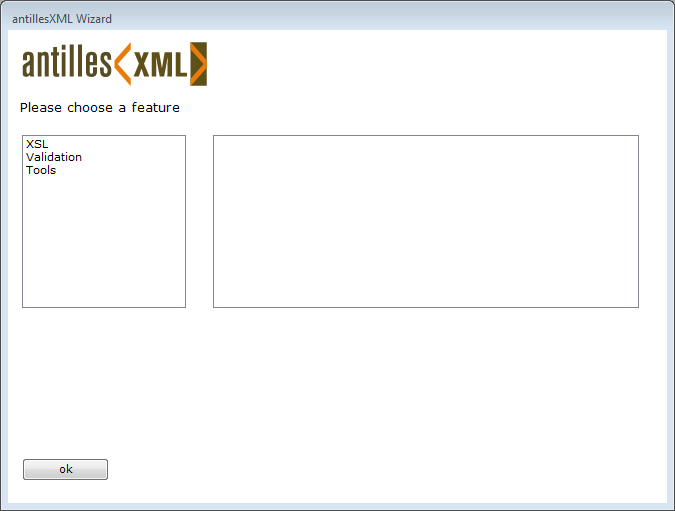
Choosing the feature
Choosing the main heading
Choose the required main heading in the left selection list of the Wizard.
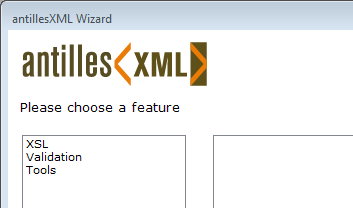
Choosing the subheading
Choose the required feature in the right selection list of the Wizard.
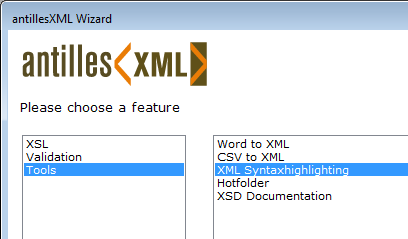
→ Under the selection lists additional information on the selected feature is displayed.

Press the  button.
→ The desired feature is called up.